One command setup
Copy one command from the dashboard into the MikroTik terminal. It sets up the hotspot, the login page, the payment pages guests can reach before they pay, and the connection to WifiPadi.
MikroTik
Sell WiFi from your MikroTik on RouterOS 7.3 or newer. Paste one command, and WifiPadi runs the login page, the payments and the limits, with no public IP needed.
21 days free, no card needed.
Over 3,600 WiFi plans sold since June 2026
Watch
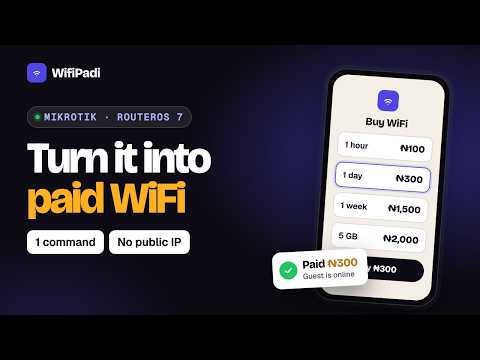 How to Turn Any MikroTik Router into a Paid WiFi Business in 5 Minutes (opens YouTube)
On your router
Copy one command from the dashboard into the MikroTik terminal. It sets up the hotspot, the login page, the payment pages guests can reach before they pay, and the connection to WifiPadi.
The router opens its own secure tunnel to WifiPadi, so it works behind Starlink, 4G and any other shared connection.
Speed limits, data caps and plan expiry are applied by RouterOS itself through RADIUS, and every megabyte is metered on the router.
RouterOS 7.3 and newer tell phones they are on a hotspot, so the login page opens on its own when a guest joins.
When we improve the setup, apply it to your router in one click instead of visiting the site.
Open Winbox on a router at another site through the secure tunnel, without opening ports on its network.
How it works
Add your business and your first location. No card needed.
Paste the one command we give you. It sets up the login page and payments on your router.
Create your plans. Guests pay at the login page and get online by themselves.
FAQ
Any MikroTik router running RouterOS 7.3 or newer. The setup command checks the version first and stops with a clear message if the router needs an update.
Update it from System, then Packages in Winbox or WebFig, and paste the setup command again.
No. WifiPadi runs the RADIUS server for you. The setup command points your router at it through the secure tunnel.
No. The router connects out to WifiPadi through its own tunnel, so it works behind Starlink, 4G routers and carrier NAT.
Yes. Access points connect to the MikroTik as before, and every guest on them goes through the WifiPadi login page.
It is free for 21 days, with no card needed. After that it is one price per location each month: ₦10,000 in Nigeria, GH₵150 in Ghana, KSh2,000 in Kenya, FCFA 9,000 in Cameroon and USh35,000 in Uganda. New accounts in Nigeria can pay 2.5% of their WiFi sales instead, never more than ₦10,000 per location a month. No sales, no bill. Your payment provider's own fees are separate.
Set up your first location in minutes. Free for 21 days, no card needed.